Truecaller and DU Caller has always been one of the most popular Caller ID and Block Apps for android. The competition between the two apps has arguably been fierce considering the fact that both apps have there own Pros and Cons. One of the most common thing about these two app is none other than the fact that they both perform the same functions. Which is to "Identify Unknown Callers and Blocks Nuisance Calls". We've detailed several reviews on some of the best and unique android apps that brings hidden but plethora features, thus Truecaller and Du Caller will definitely not be an exception. However before we proceed further let's brief or rather highlight you on some chit-chats.
Now let's assume you are sitting on the couch and you receive a phone call from an unknown number, not once but a lot of times! It will be hard to Identify who’s behind all these calls right?. I guess your answer is probably Yes. This is where the Truecaller and DU Caller comes into the picture. As a student, i have had several if not tons of spam calls per day and this calls are causing me a lot of hassle. Been eager to answer or pickup a phone call whose caller identity is unknown to me is certainly what i detest and thus i have tried my very possible best to block all those Nuisance Calls without hesitation. Thanks to apps like Truecaller and DU Caller. They're a newer and better way to find the person behind those spam calls you receive and perhaps block them if you want. Now before installing these apps (Truecaller and DU Caller) read this article to the end. Your decision might be slightly more complex.
Truecaller Review
Truecaller is one of the super-powerful caller ID app for android which tells you who is calling. Thus you'll no longer see stuffs like 'Anonymous' or 'Private Number' on an incoming call. Truecaller as said earlier on identifies unknown callers and blocks nuisance calls. The app also allow you to see the names and photos of people who calls, even if they aren’t saved in your phonebook thus making your calling experience smarter and more delightful. Truecaller app interface is quite simple and intuitive and it brings tons of features that are of essence.
Getting Started
Truecaller is a lightweight app that's less than 10MB in size. Thus we found the process of installation to be very simple. Once you download and install Truecaller on your phone, you've to go through the process of registration which requires you to choose your country and provide your phone number. On the next phase you've to enable "Enhance Search" which helps to improve the accuracy of caller ID. Now swipe through the introduction to get into the app main interface.
1. Caller ID
We've already highlighted the fact that Truecaller shows the "True Caller IDs" of every incoming calls on your android phone instead of the Private or Unknown Numbers. Apart from this, one unique thing i have come to love while using Truecaller is the fact that it shows Full Contact ID info of every phonebooks on your phone including location, name, address, operators, numbers and email. During incoming calls, Truecaller shows the photo of your callers even when you don't have those numbers saved on your contacts. The app also allows you to "Add tags" on every numbers saved on your phonebook, this helps to describe the numbers better.
2. Friends Search
Truecaller experience is more delightful than you can ever imagine. With it's plethora features, the app truly does it's functions better. Truecaller brings the most powerful "Search" option that allows you to search over 2 billion phone numbers without any hassle. This option can come in handy when you're in dear need to find the number of an old friend or if perhaps you've mistakenly lost an important number, you can simply input the recipient name or number on the search bar and if you're lucky, then the number or name you searched earlier on will be smiling at you. The "Delete" icon beside the contacts you found makes it convenient to erase your search results.
3. Call Blocker
The Call Blocker integrated in Truecaller is no doubt my Most Used and favourite feature. Whenever you receive a spam call or if someone has been disturbing you, then you don't have to hesitate in blocking that person. From the "Block" section, Truecaller unravels two options, the "View Spam List" shows the number and contact info of the most common spammers on your list while the "Block Settings" section unveils the option to block telemarketers and nuisance calls. You can also choose to block any hidden numbers that shows "Unknown" during incoming calls and i personally love settings this "Block Methods" on Automatic. The floating "Bubble" icon allows you to manually choose what to block.
4. Smart Dialer
Truecaller brings with it a beautifully designed material Smart Dialer that can conveniently replace the stock dialer app on your android phone. The Truecaller in-built dialer is awesome and it's of essence when it comes to the stage of performing different functions such as dialing a number and then calling someone at the same time. We've seen numerous android caller ID and blocker apps, but most of them have limited features, thus Truecaller unravels them in a platter of gold and consuming it, is certainly a must. From the Truecaller's app main interface, you can see the floating "Dialer" icon which gives you the opportunity to navigate to your contacts, select numbers and overall place calls at will.
5. User Interface
Every android apps brings a pretty intuitive and perhaps simple user interface and Truecaller doesn't make an exception. The app unravels a material design look that captivates its users, upon installation of Truecaller, it will automatically create a shortcut on your devices home screen giving you access to navigate through the app itself and the dialer without any hassle. The Truecaller hamburger side menu brings the users profiles, the Settings and other options. Once you dive into the app "Settings" options, you can change the Truecaller appearance and tinker with other options.
Is Truecaller Save?
This question has always been asked frequently from folks who'd wish to use the Truecaller android app. Apart from the fact that Truecaller app loads your phonebook to make it searchable or public, it's definitely"Save". From the user profile, Truecaller brings an option to input your email address, I didn't find this of essence and thus i ignored the request since it's optional. Always remember that 3G or Wi-Fi is required for Truecaller Caller ID to work and Operator charges may apply.
DU Caller Review
DU Caller is another competitive caller ID app for android. The app helps you to identify unknown number and block unwanted calls. Unlike Truecaller, DU Caller is a Caller ID and Recorder app which conveniently records all your calls without any hassle. The app been multi-lingual, brings the largest phone number database where you can recruit the numbers of different caliber of peoples. In summary, DU Caller makes it possible to easily wave harassing calls goodbye. There isn't much difference between DU Caller and Truecaller except for the advance feature which DU Caller brings and we're going to unveil it below.
Getting Started
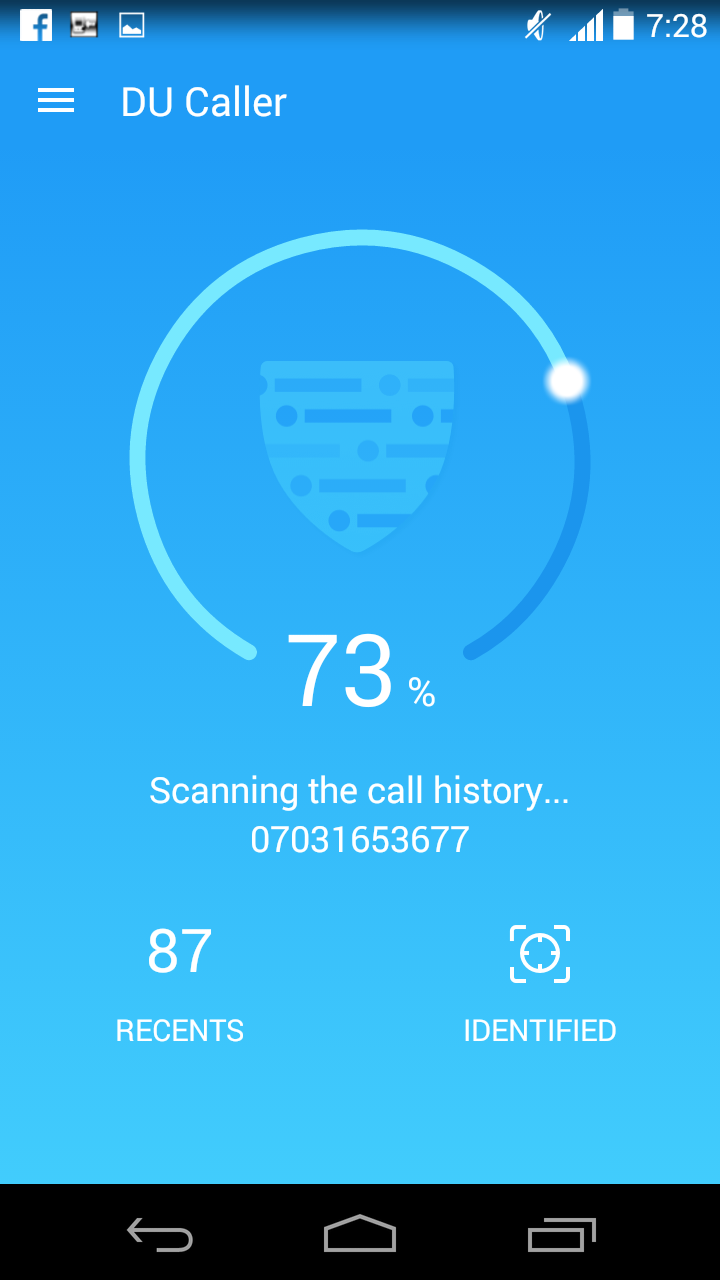
The installation of DU Caller app is quite simple, once you've got the app securely installed on your android phone, it will guide you through a brief introductions, simply swipe the screen from the left to get this one going. Now once you tap on the "Use DU Caller" button, the app will automatically start scanning all the "Call History" on your android device. When the scanning process is completed, you'll be taken to the DU Caller's main app interface.
Features
DU Caller unravels smart features that you'd love, one unique feature the DU Caller app brings is the ability to "Record And Block Spam Calls". Yes! You heard me right, the app provides high quality sound for easy call recording. This lets you record any phone call you want and choose which recordings to save, you can set which calls are recorded and which are ignored. While this feature might seem intriguing, it's however limited to Samsung Galaxy device. The call Recorder feature on DU Caller provides automatic and manual call recording functions and you can manage and set password protection to keep your recordings secure. In summary the call recorder integrated in DU Caller is the unique feature that Truecaller doesn't possess.
1. Caller ID
Just like Truecaller, DU Caller shows true caller IDs instead of unknown or private numbers, so you can always know who is calling before you pick up. The app also shows full Contact ID info of a person, including the names, types, numbers, addresses, and operators. DU Caller app automatically warns you of harassing calls by indicating a red-color and the app provides a one-second speedy phone number recognition function.
2. Call Blocker – Blacklist
DU Caller is a perfect call blocker app, which can instantly hang up on numbers on the blacklist in just a second. All you've to do is to add a number to the blacklist and the app will automatically do the rest. DU Caller allows you to block calls from common numbers, hidden numbers, overseas numbers, and numbers that are not in your contacts. You can also add any numbers to the blacklist, including your ex, debt collectors, and salespeople. Once the call has been blocked, DU Caller will notify you of it.
3. Friends Search
Just like Truecaller, DU Caller also brings a friend search option. Once you swipe to the "Search" section in DU Caller's main interface, you'll not only search for unknown callers by number, but also you can search for names to find people you want to contact. DU Caller’s brings a vast database of phone numbers that makes it easy to perform a reverse phone number search on any caller. While using DU Caller android app, you can convinently hide secret calls and call logs to protect your privacy.
4. Smart Dialer
DU Caller brings an in-built smart dialer just like what we saw in Truecaller. The integrated smart dialer can come in handy for variety of purposes, thus you can quickly search in your call logs and contacts, then enjoy the smoothest dialing experience. DU Caller does not replace, change or interfere with your phone’s dialing application but you can manually choose to replace it, since it seems to be a perfect alternative.
5. Private Contacts
The "Private Contacts" is one of the cool features offered by DU Caller. It's just like encryption, the Private contacts main function is to hide a list of contacts that you don’t want anyone to know you’ve been talking to. Thus DU Caller ensures that the numbers added into the Private Contacts option does not show up in the call history or anywhere in the phone. To view your call history again, you've to unlock the Private Contacts with a pattern lock.
6. User Interface
DU Caller brings a pretty intuitive user Interface, the app has been coded clean and from the user profile, you're provided with varieties of options to dive into. However one thing i noticed is that the "Life Assistant" has been removed from the update, this option back then provides a directory of the most commonly used numbers for various services around you. Thus you can get numbers from shopping destinations such as Flipkart and Amazon. Th DU Caller "Settings" unravels options that you can tinker with, to get things going.
Is DU Caller Save?
DU Caller is 100℅ save, the app is very simple to use and the startup process runs you through a brief introductions. Unlike Truecaller, DU Caller doesn't require your phone number during the initial startup, but you might want to give them this info when you're setting up your Caller ID. Also DU Caller doesn't ask for E-mail address which makes it more secure and convenient.
Final Verdict
Both the Truecaller and DU Caller android app are good. The apps seems to perform the same function but the DU Caller provides advanced features which is however "Limited". When you need to record a phone call and save them as evidence, then DU Caller comes into the picture. Apart from this, Truecaller and DU Caller will immediately give you a detailed caller ID for an unknown number and when you don’t know where to find your old friends, you can use Truecaller or DU Caller to search for their numbers. The screenshot below unveils both the Truecaller and DU Caller in action.

Upon receiving an incoming call from one of my country's operators which i definitely knew was a Spam Call (a way to promote their offers), Truecaller immediately branded it a "Spam Call" and provides an option to "Block" it. While on the other hand DU Caller left me to figure out if the call is a Spam Call or not (intuition). Overall i can't actually tell you that Truecaller is better than DU Caller (vice versa) but if perhaps you're to ask me to make a choice, then I'll definitely go for "Truecaller". If you're using a Samsung Galaxy device, then the voice recorder integrated into DU Caller should be enough reason for you to choose it and moreover the "Private Contact" feature in DU Caller provides a powerful encryption for your call history.